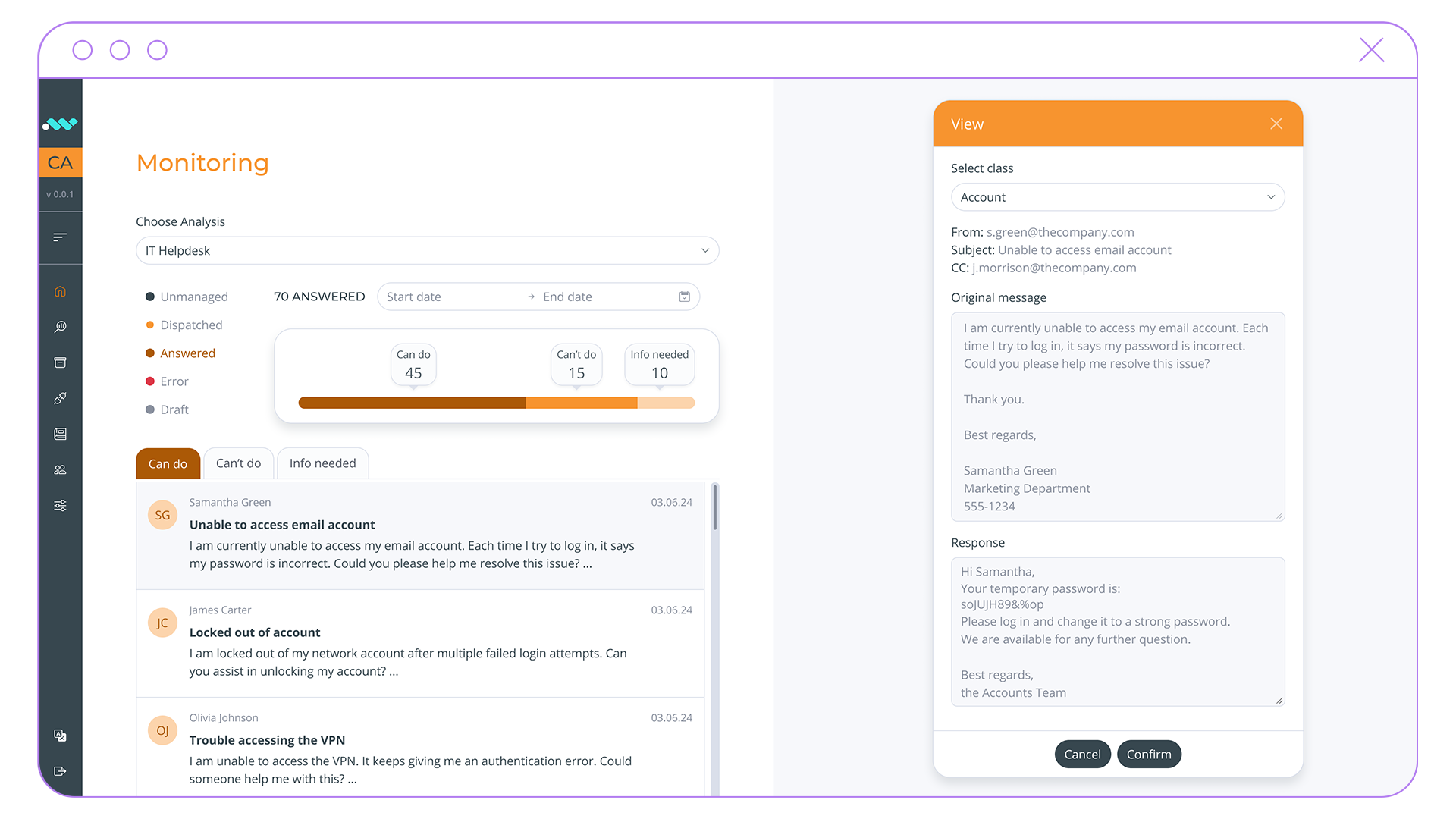
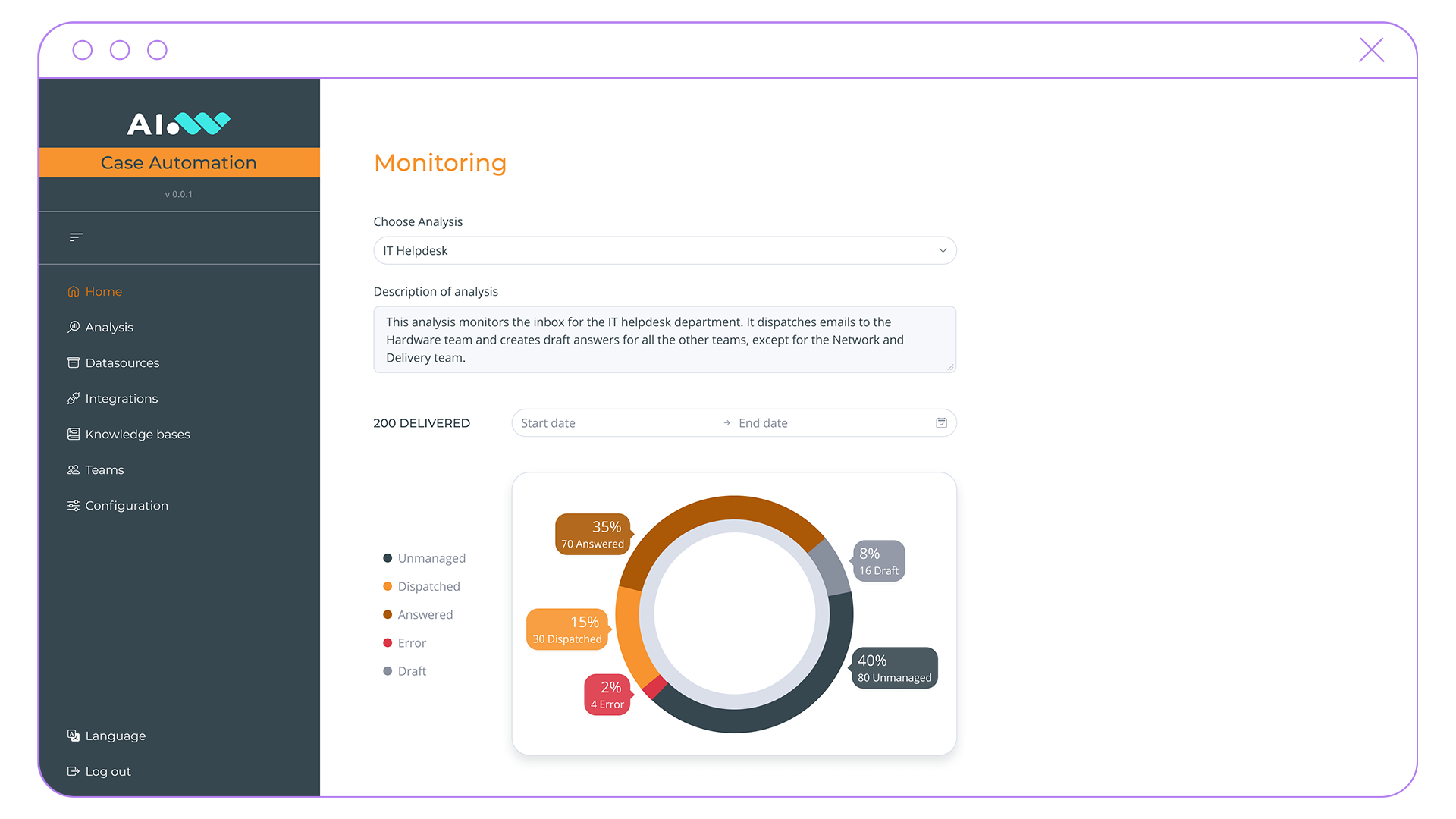
A game-changer in simplifying customer case management. Integrating a wide range of communication channels and leveraging AI, it provides a process automation tool that reduces the time to resolution, minimizes human effort, and empowers customer operations professionals to focus on quality service delivery.
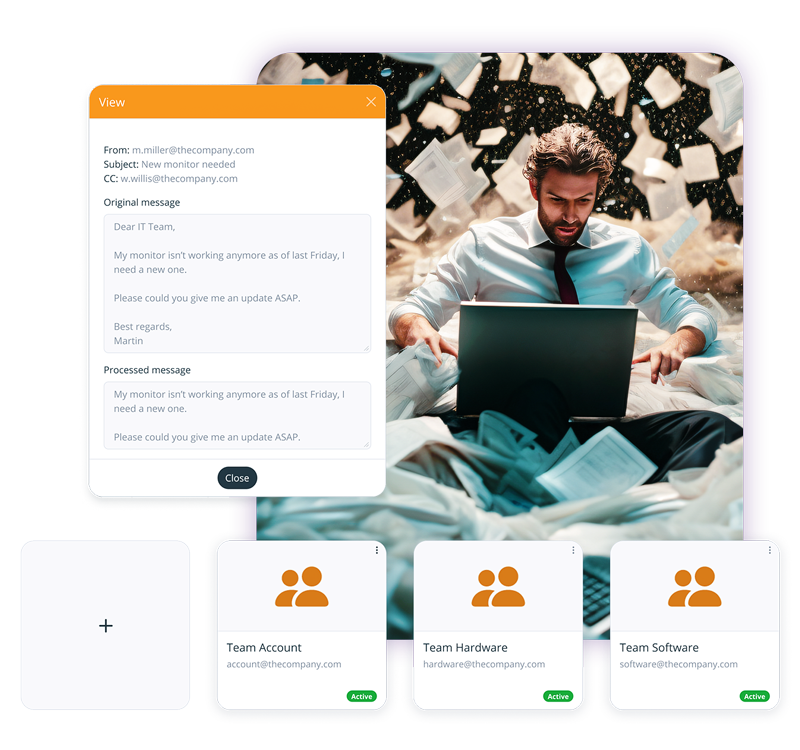
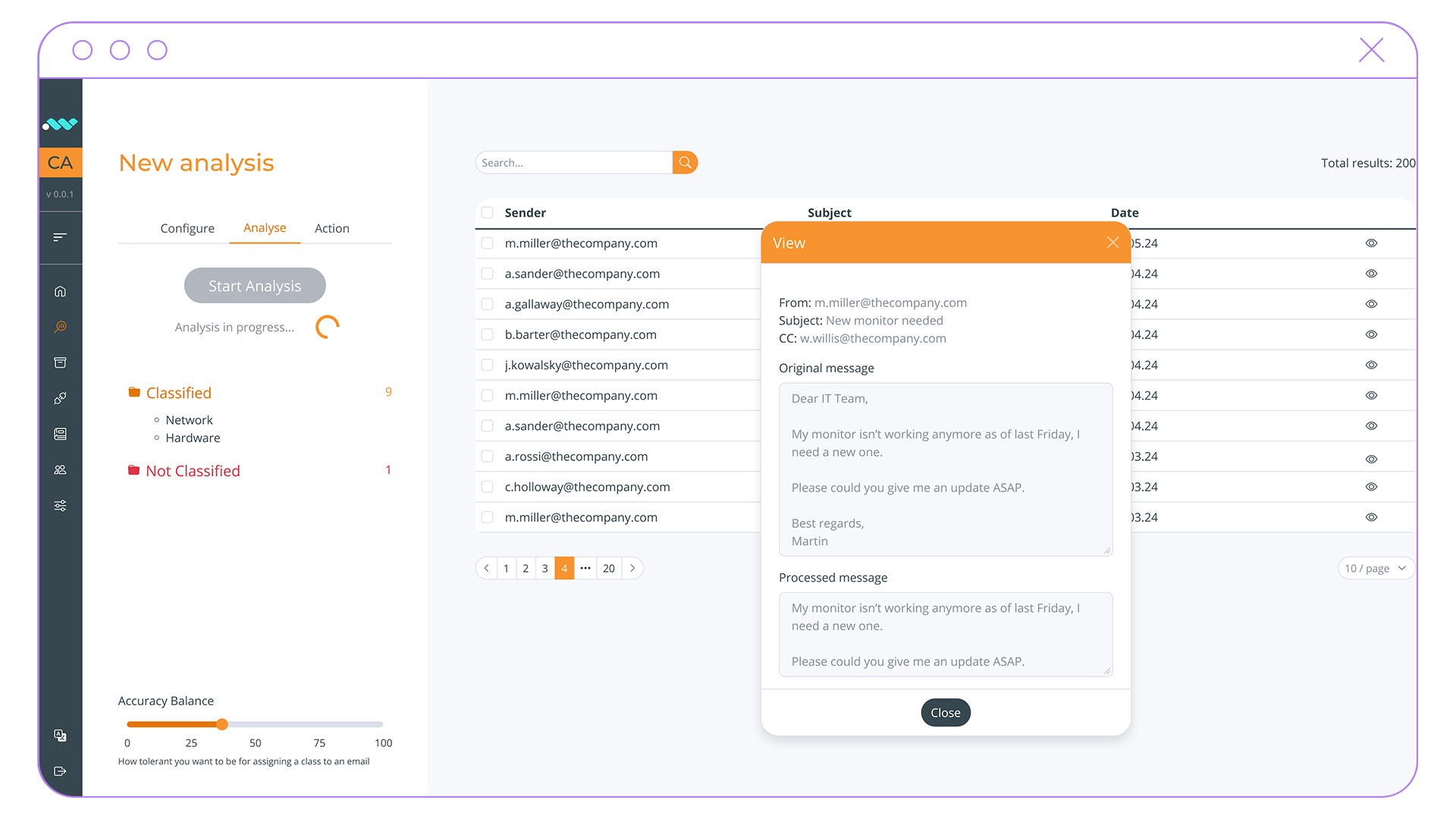
Case Automation is a tool that analyzes and classifies incoming messages, dispatches them to the correct teams, and generates draft responses enriched with data coming from internal systems and knowledge bases. It aims at reducing the time needed to reply to a request by seamlessly routing it and collecting the relevant information along the way, so that a human operator only needs to validate and send the answer.
Case Automation is a tool that analyzes and classifies incoming messages, dispatches them to the correct teams, and generates draft responses enriched with data coming from internal systems and knowledge bases. It aims at reducing the time needed to reply to a request by seamlessly routing it and collecting the relevant information along the way, so that a human operator only needs to validate and send the answer.
Routing the incoming requests to the appropriate teams or individuals streamlines the whole case management process.
Response Consistency
Thanks to Generative AI, the system crafts draft responses that maintain consistency and punctuality in communication, even during busy periods.
Operation Automation
The integration with custom APIs enhances operational efficiency by facilitating data retrieval and processing to enrich the generated answers.
Time Efficiency
Case solutions are promptly provided thanks to both smoother processes and automatic response generation.
Channel Unification
All the communication channels (email, ticket, customer service platform, etc.) converge towards a comprehensive point of access.
UseCases
Communication Registration
Automatically processes incoming emails and documents, extracts relevant information, and initiates registration and classification workflows according to organizational rules and procedures.
Request Triage
Analyzes emails, web forms, and incoming communications to identify their type, priority, and appropriate recipients, accelerating response and resolution times.
Ticket Management
Converts requests and inquiries into structured tickets, routes them to the appropriate teams, and tracks progress throughout the entire resolution lifecycle.
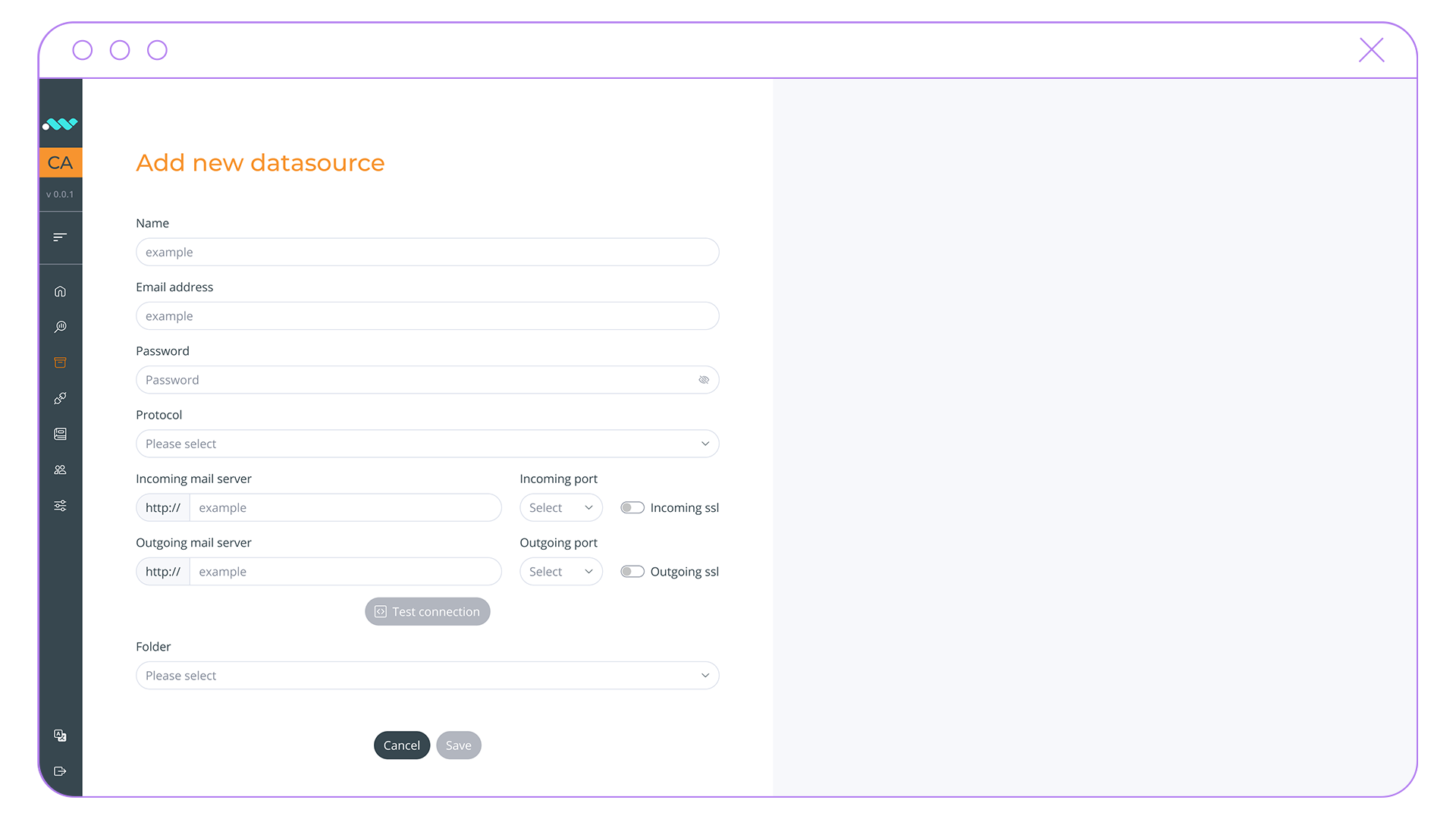
Case Automation integrates with your existing email servers, requests databases or any other data source.
2
Integrate Knowledge Bases and define API calls
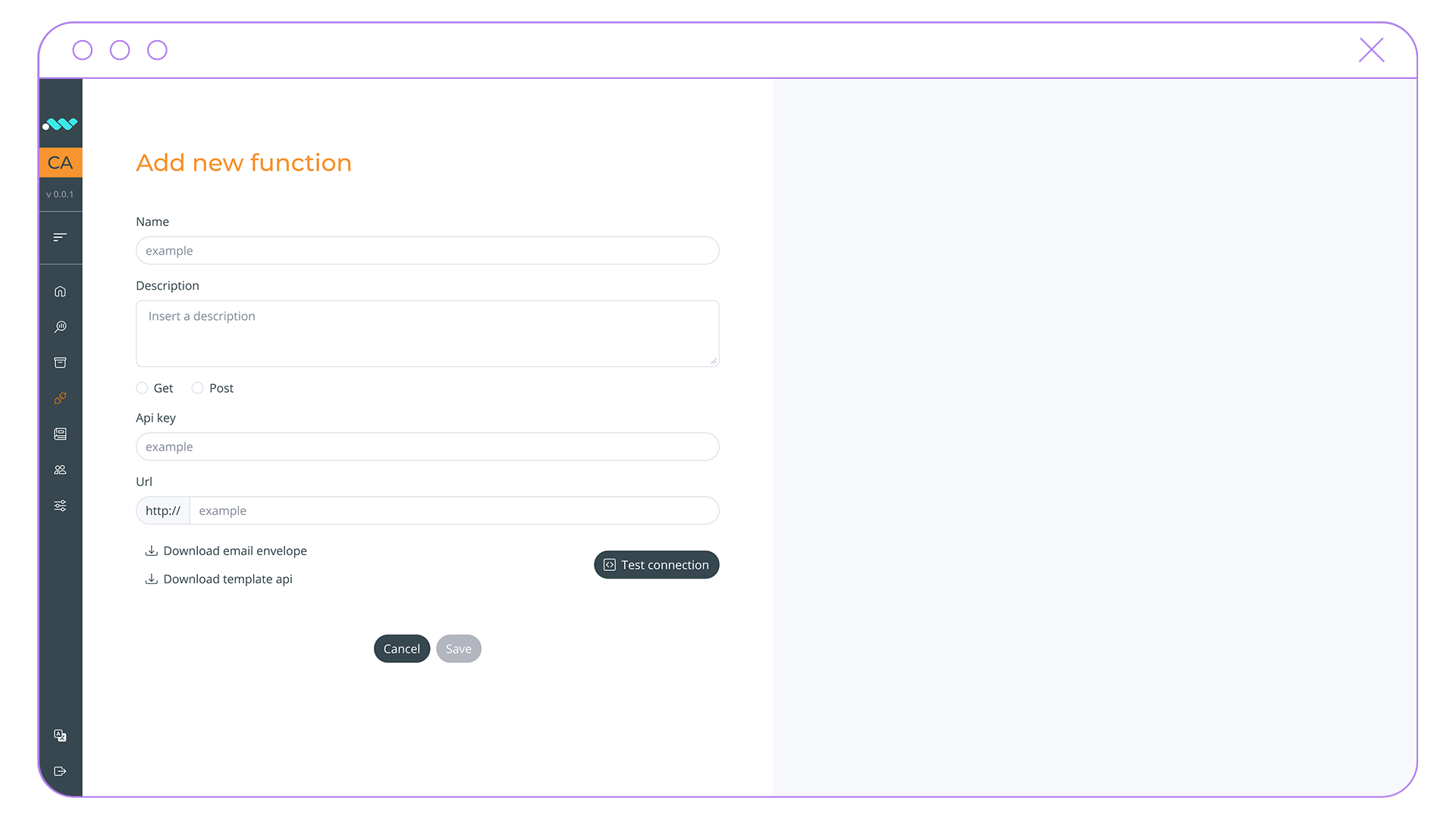
Case Automation can also incorporate knowledge base queries and API calls to respond comprehensively to customers.
3
Define Actions
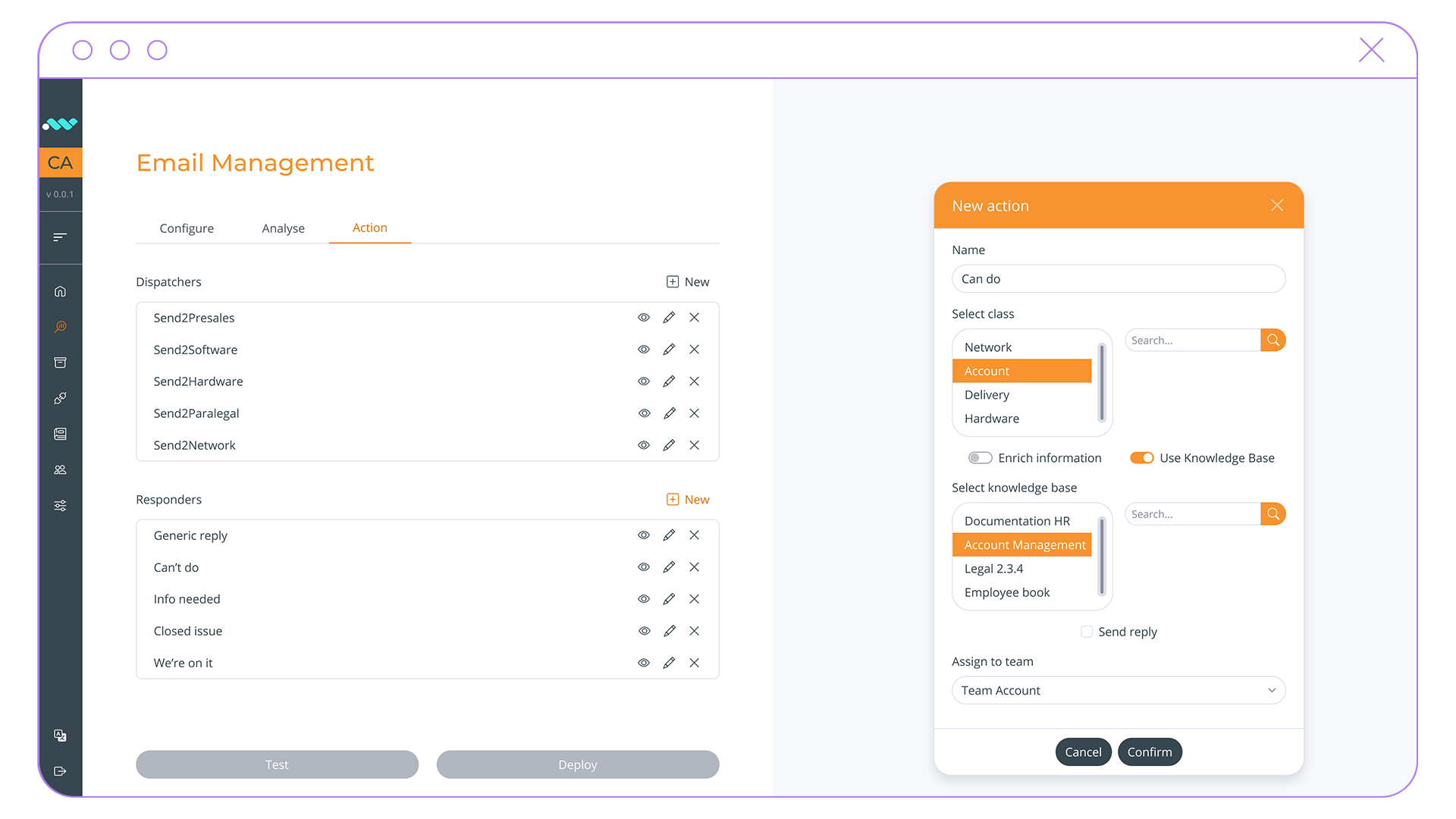
Define specific actions or workflows for different classes of requests, such as dispatching to designated teams, generating automated responses, or querying external APIs for additional information.
4
Test
Thoroughly test the automation rules to ensure they function as intended and address various scenarios.
5
Process
Leverage generative AI to reply to the inquiries, saving time and effort to get the correct data and write the responses.
6
Monitor
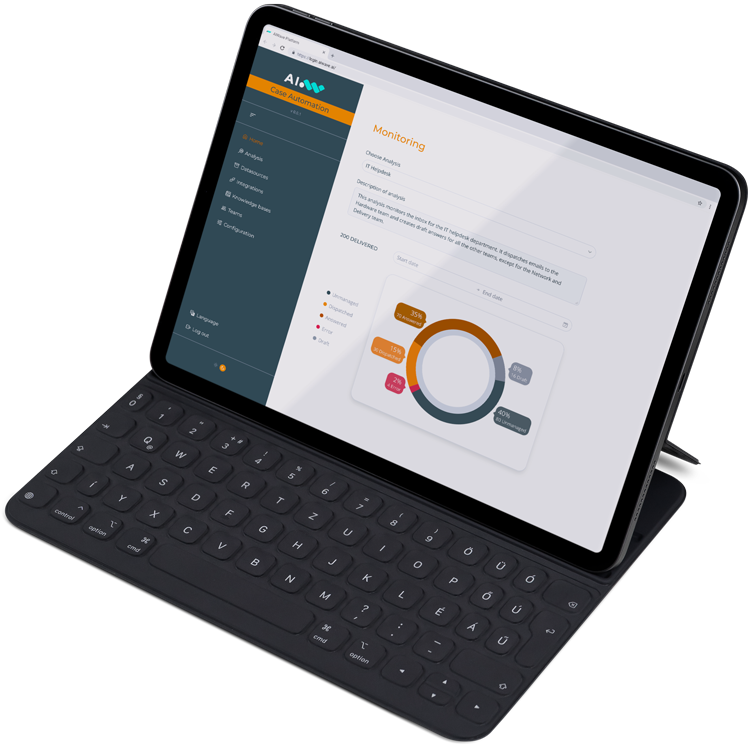
Keep control by monitoring the performance and effectiveness of the automated processes, making adjustments as needed to optimize efficiency.
AIWave is the cognitive platform for a fast AI adoption