Accelerate decision-making with immediate access to relevant information.
Reduce Complexity
Eliminate fragmentation by working across systems in one experience.
Knowledge Sharing
Make organizational knowledge accessible beyond individual expertise.
Improve Reliability
Base decisions on trusted, traceable, and verifiable information.
Greater Efficiency
Save time by reducing manual search and repeated effort.
UseCases
Ticket Automation
Sfera coordinates multiple agents to analyze requests, retrieve data from enterprise systems, and update tickets or cases. Through tools and MCP integrations, it can operate directly on target platforms, reducing manual effort and response times.
Incident Response
Sfera monitors events from applications, databases, and monitoring systems, activating the most appropriate agents to investigate issues. It can automatically create tickets, notify stakeholders, and update operational systems.
Process Orchestration
Sfera manages processes spanning multiple departments and platforms, coordinating specialized agents to gather data, verify requirements, and execute operational tasks. Through MCP and API integrations, it can take action directly within enterprise systems instead of simply providing information.
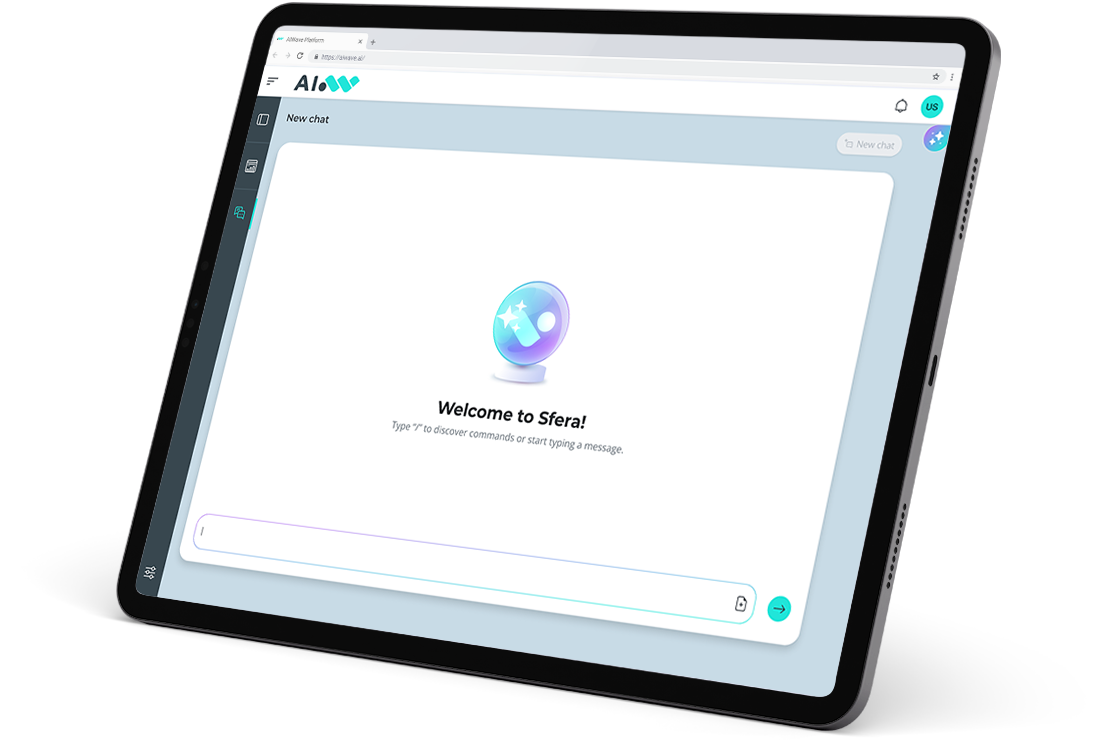
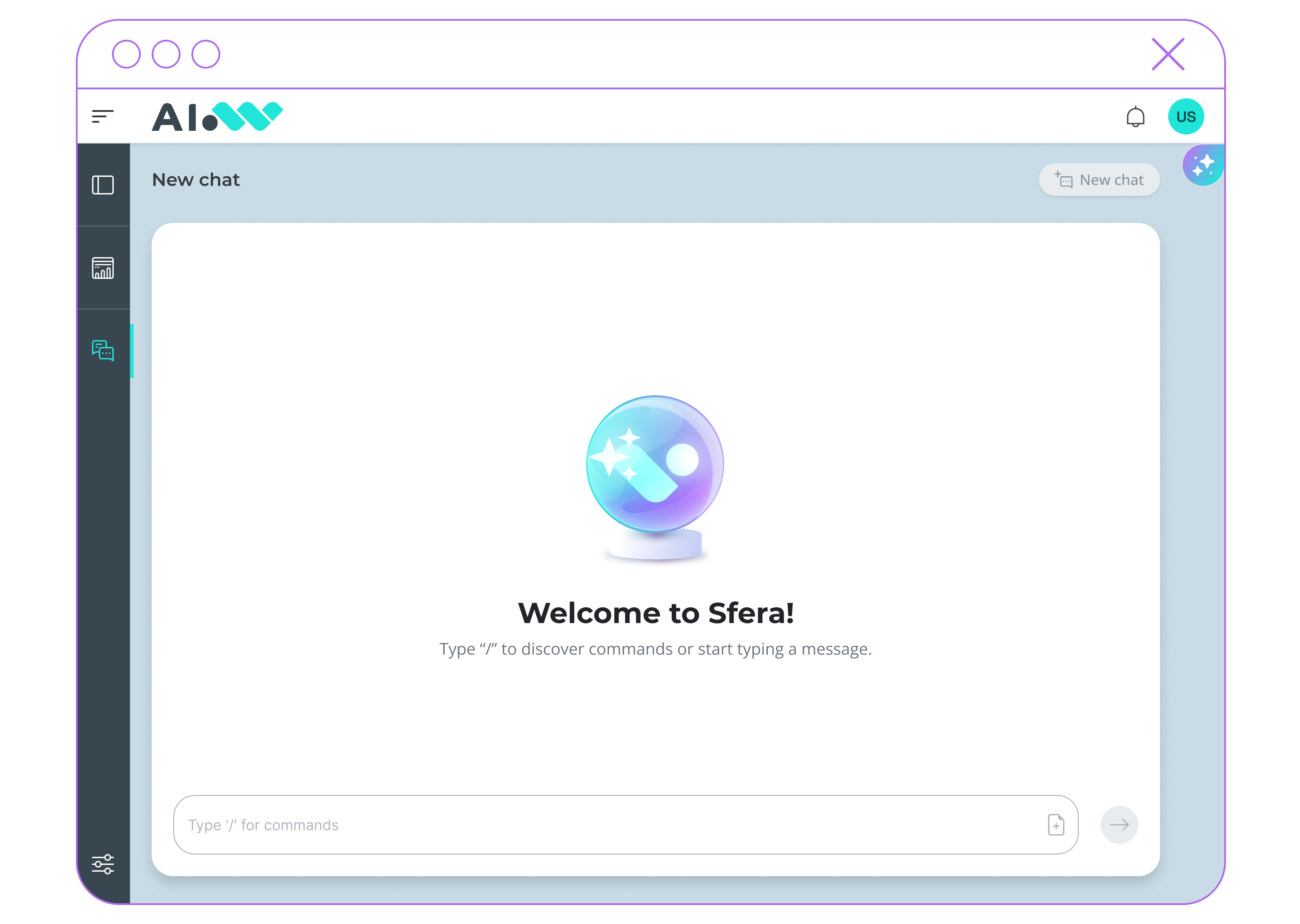
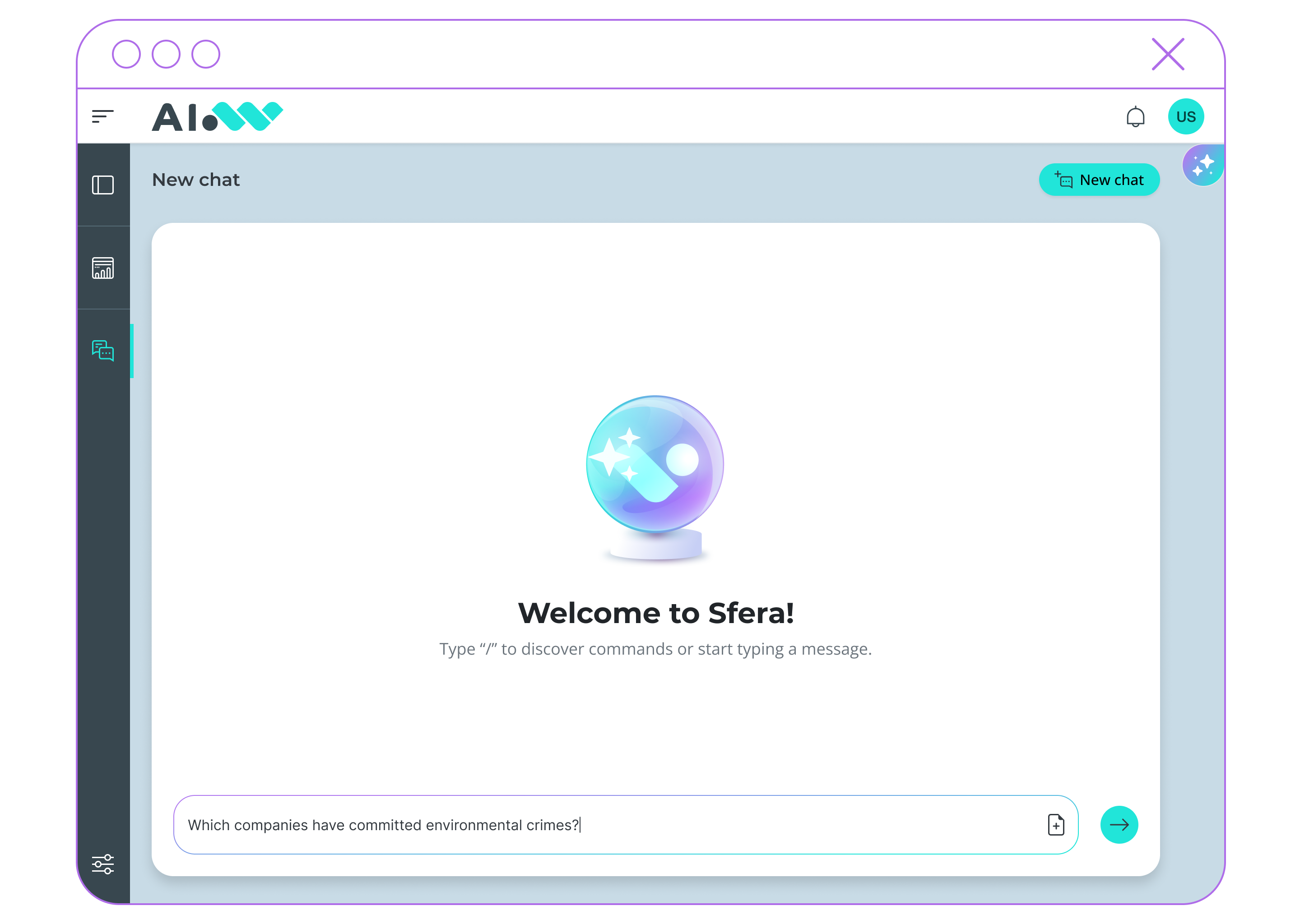
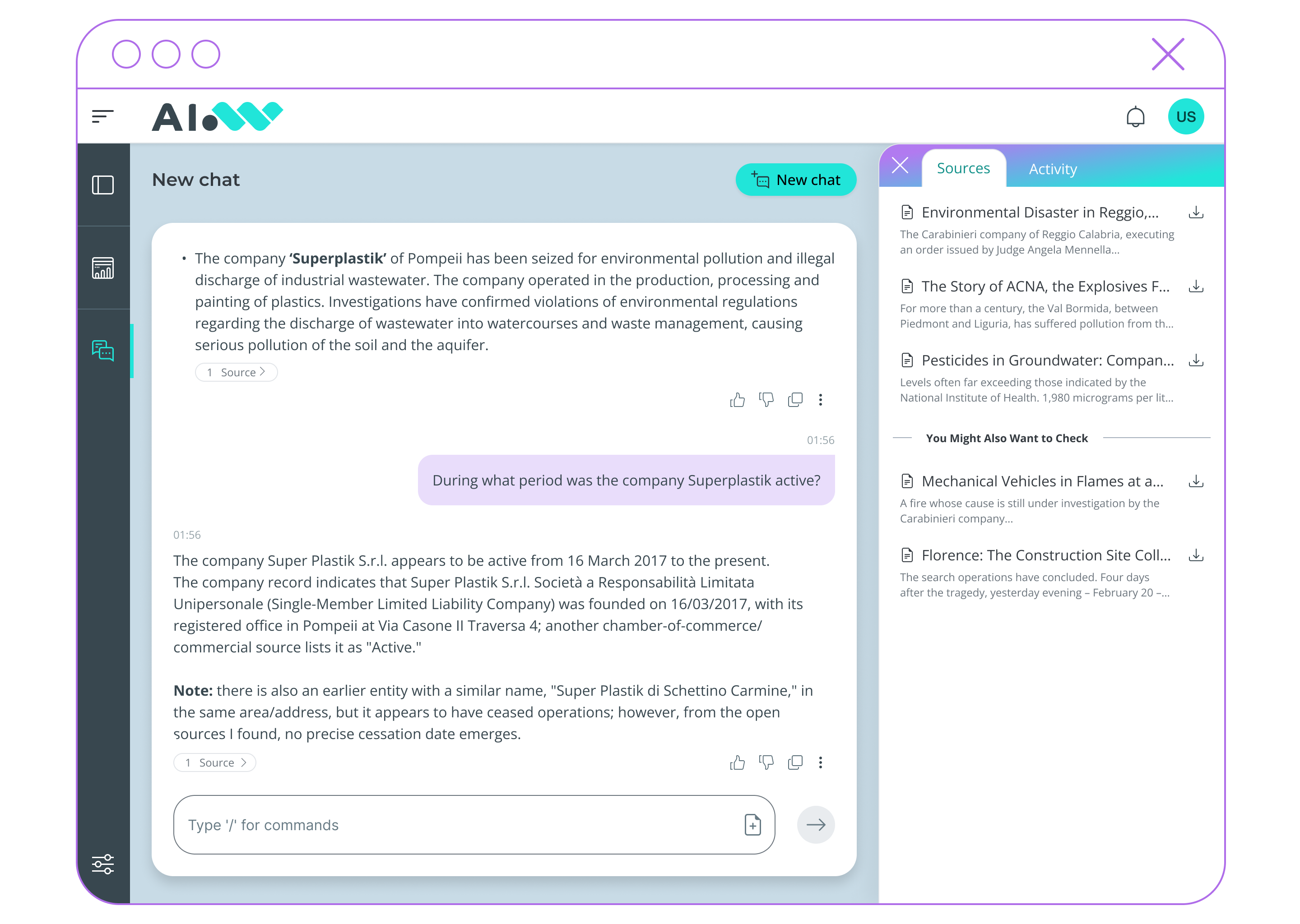
Start each session with a simple natural language question. An intelligent multi-agent architecture automatically selects the most relevant sources to generate the answer.
2
Explore your data
The system retrieves information across document repositories, databases, external services via API/MCP, and other agents, providing a unified view of enterprise knowledge.
3
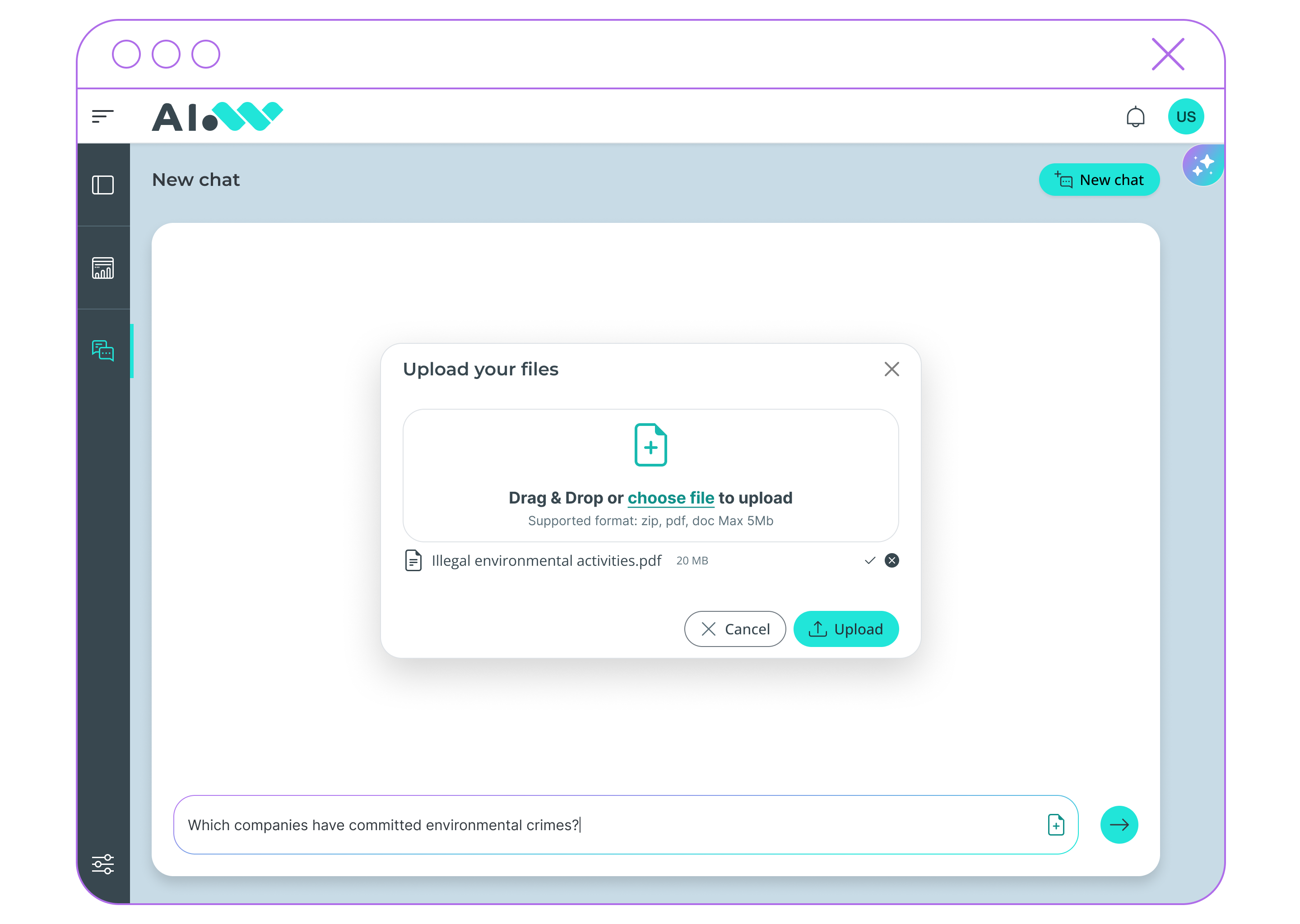
Analyze new documents
Upload one or more files not included in existing knowledge bases and instantly extract insights through the AI assistant.
4
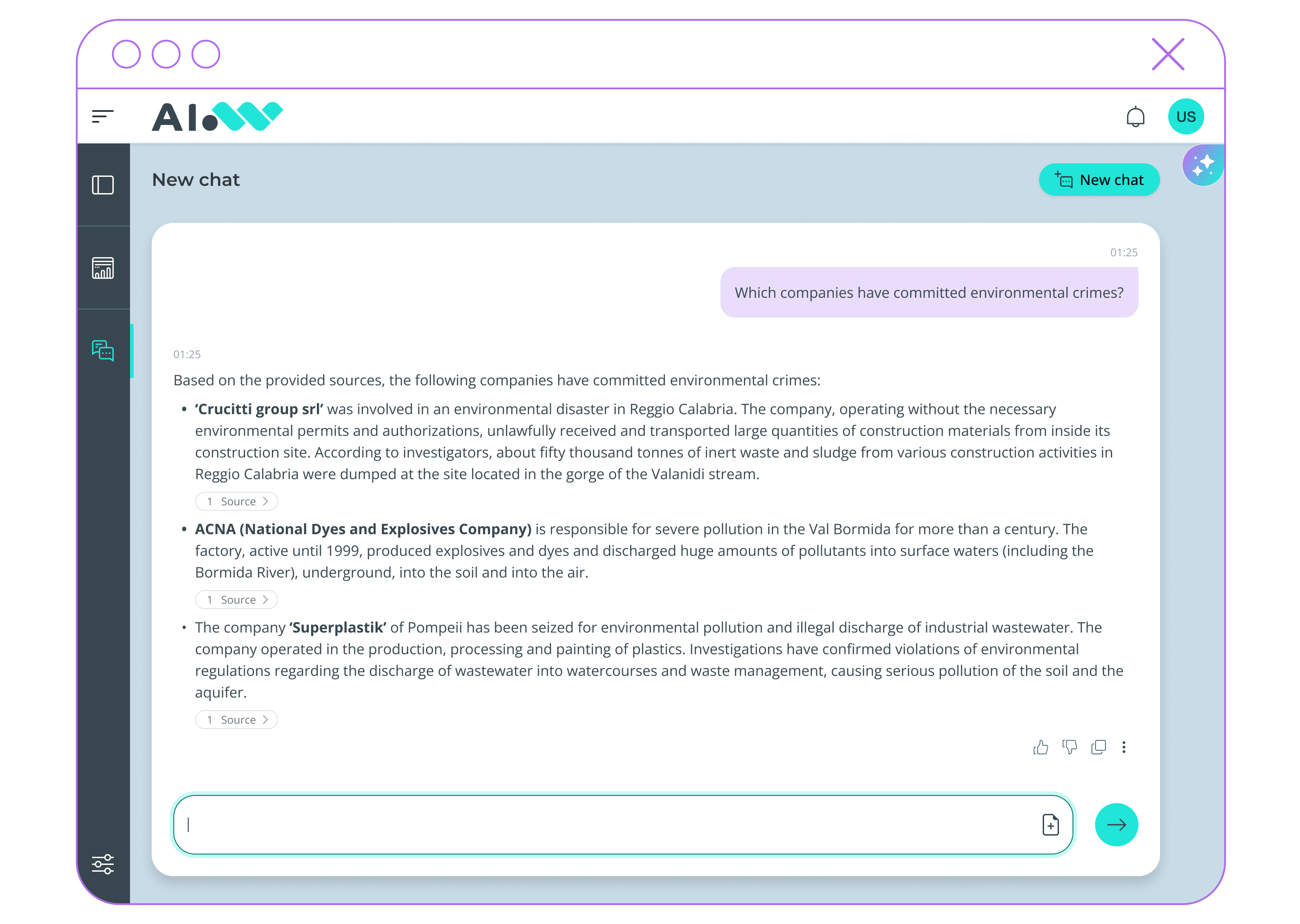
Get reliable answers
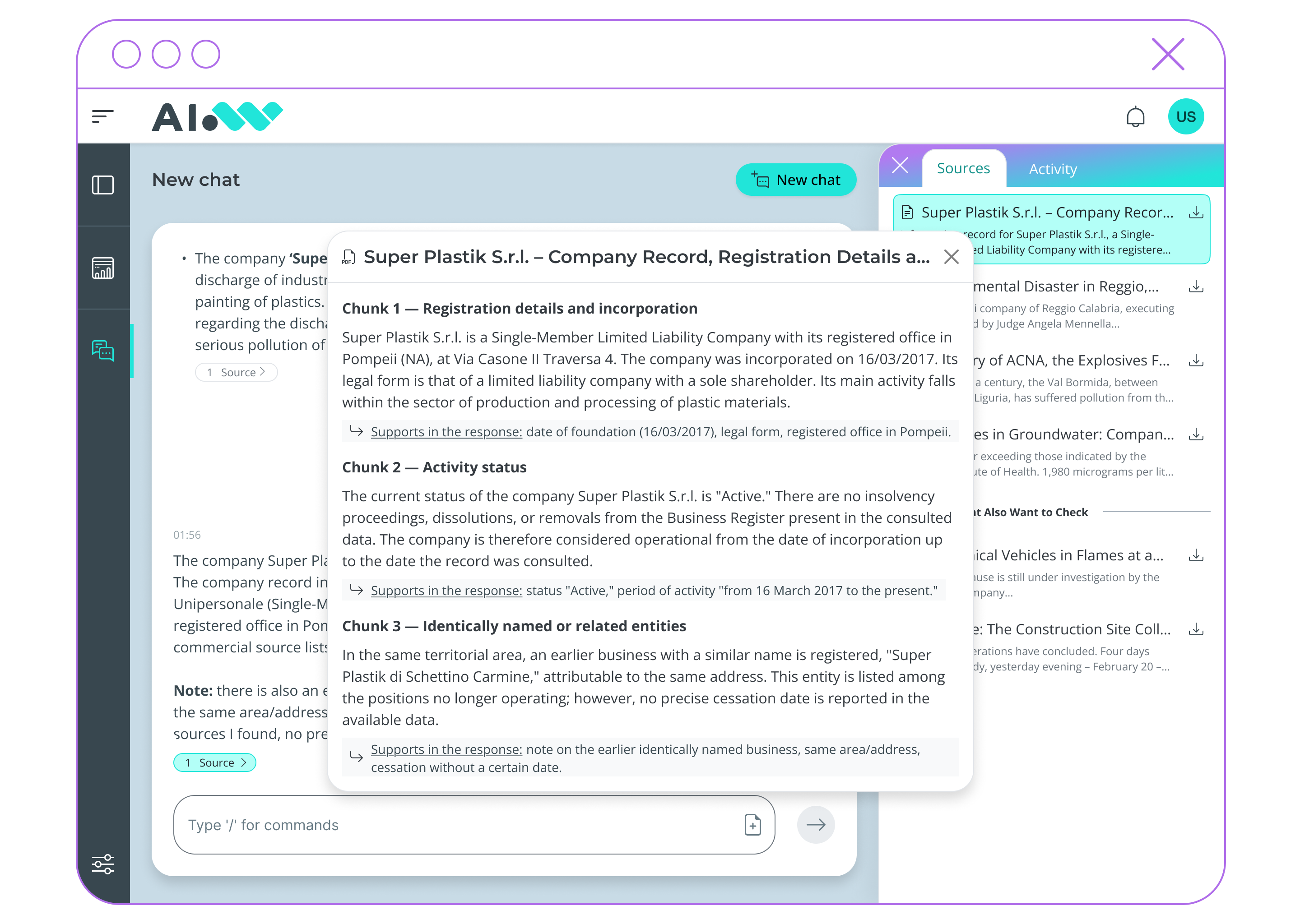
All responses are supported by clear references to the original sources, ensuring transparency and verifiability.
5
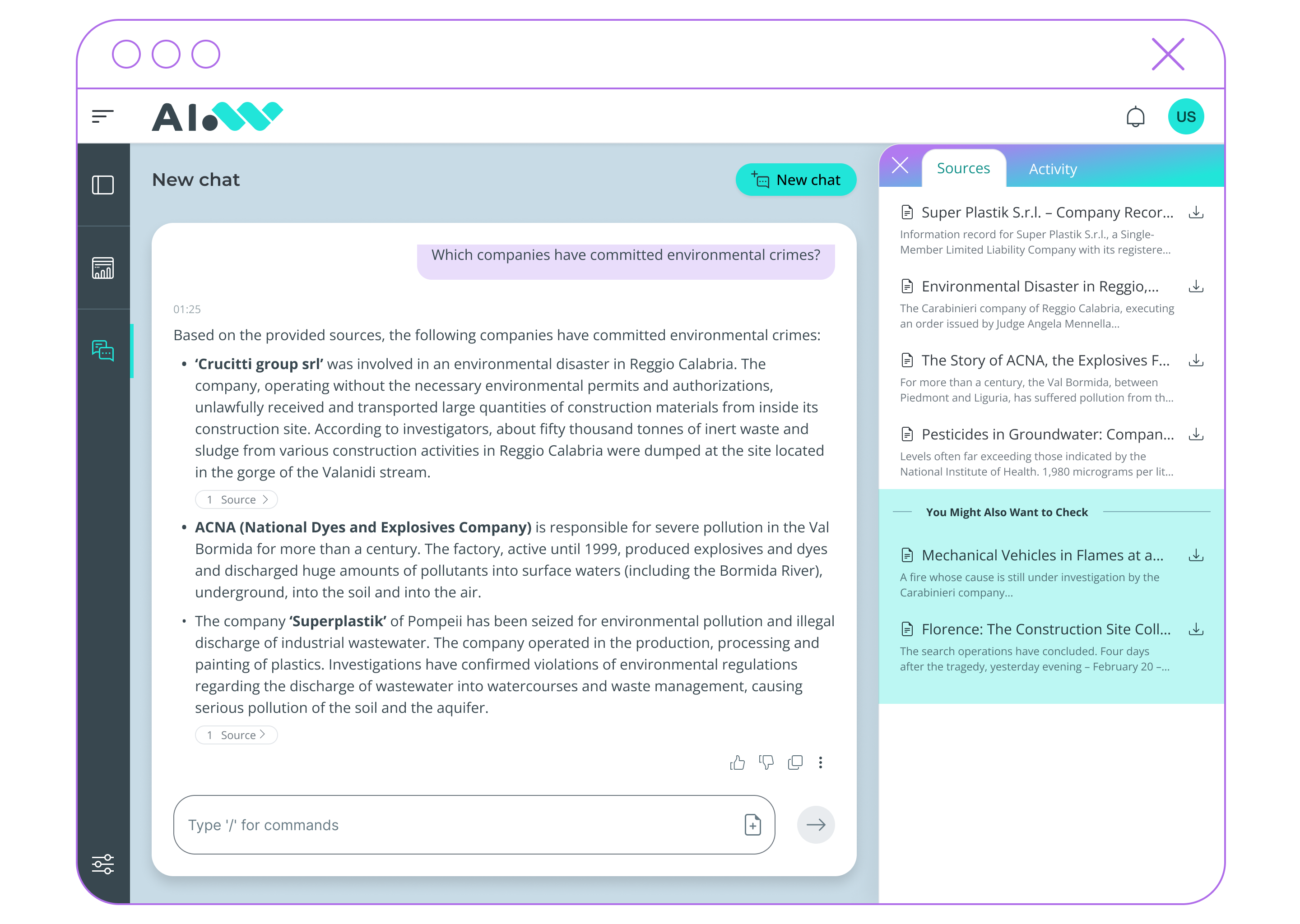
Expand your search
Alongside the answer, the interface suggests additional related resources, enabling deeper exploration and a broader understanding of the topic.
6
Continue the conversation
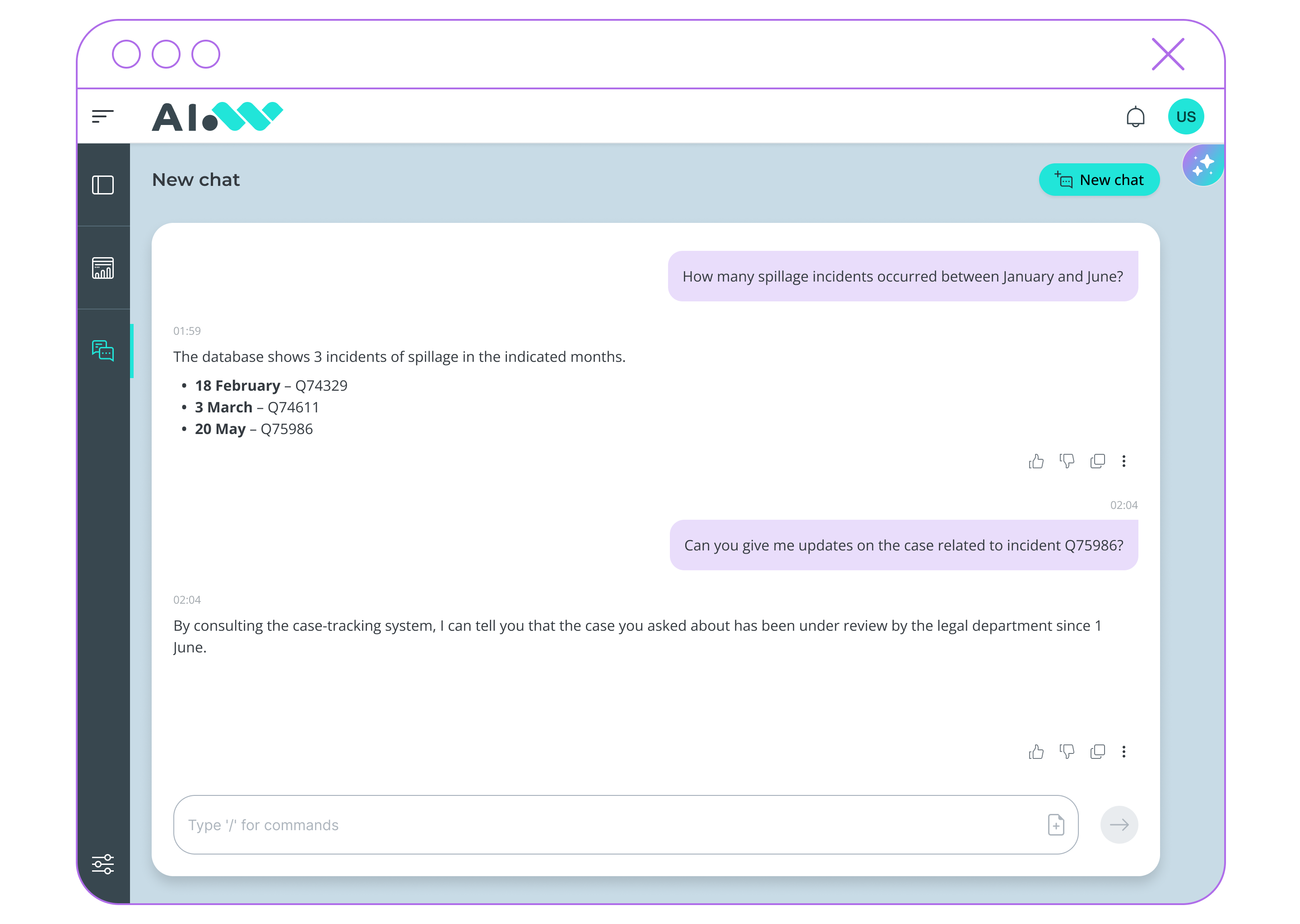
Ask follow-up questions naturally and progressively refine your inquiry without restarting the search.
7
Access original content
Open source documents and view the exact excerpts that contributed to the generated answer.
8
Query databases in natural language
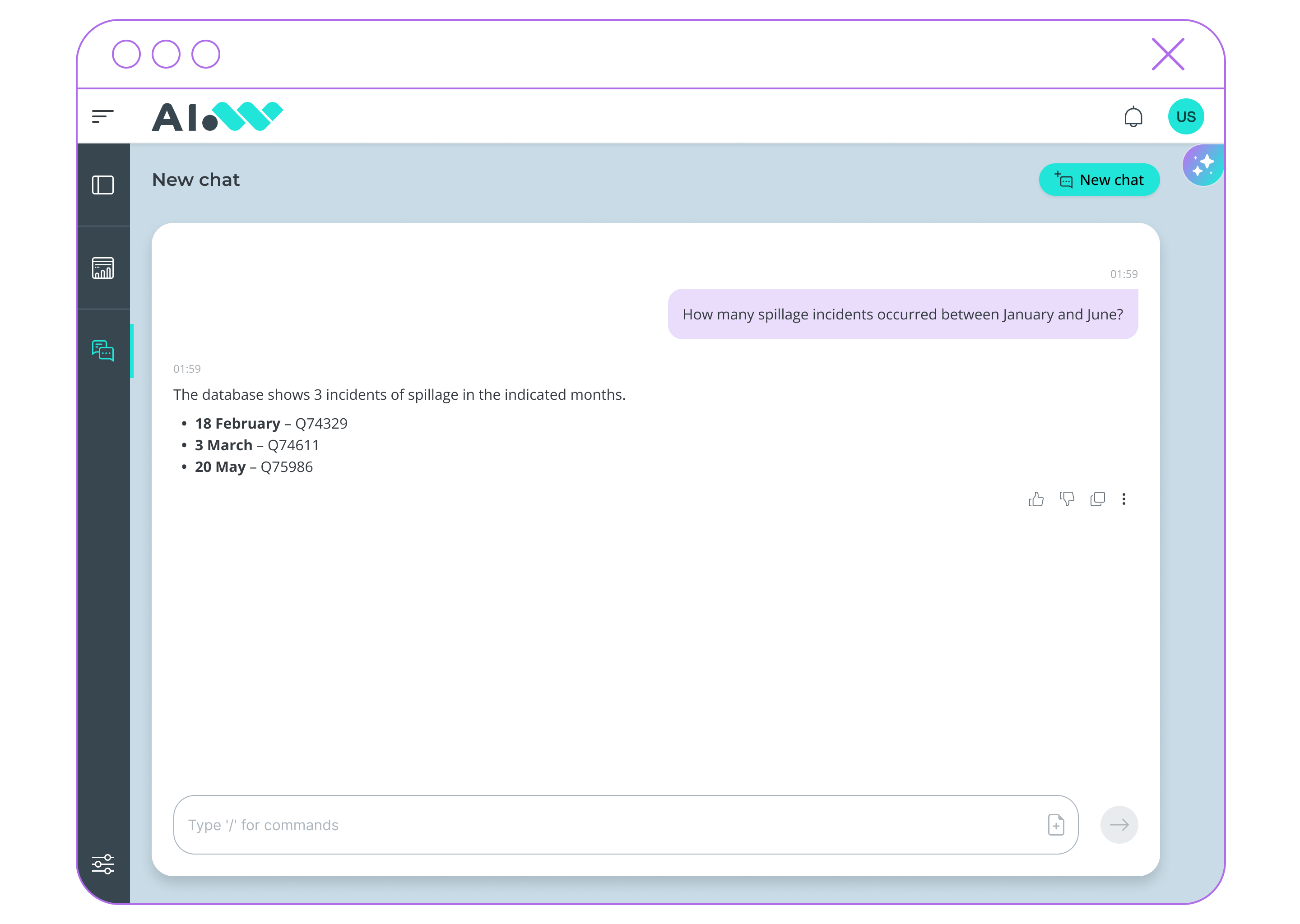
Extract data from databases using simple questions, without technical queries or switching between tools.
9
Connect external systems
Integrate external services via API/MCP to exchange data, trigger actions, and support complex processes directly within the same interface.
AIWave is the cognitive platform for a fast AI adoption